
Product
AI agents that ask first before anything goes out
AgentDeck gives your business narrow-purpose AI agents. Turn on the ones you need, connect your accounts, and approve everything an agent writes before it goes out.
- Every draft waits for your approval
- A fixed monthly fee per agent
- Portal in English and Dutch
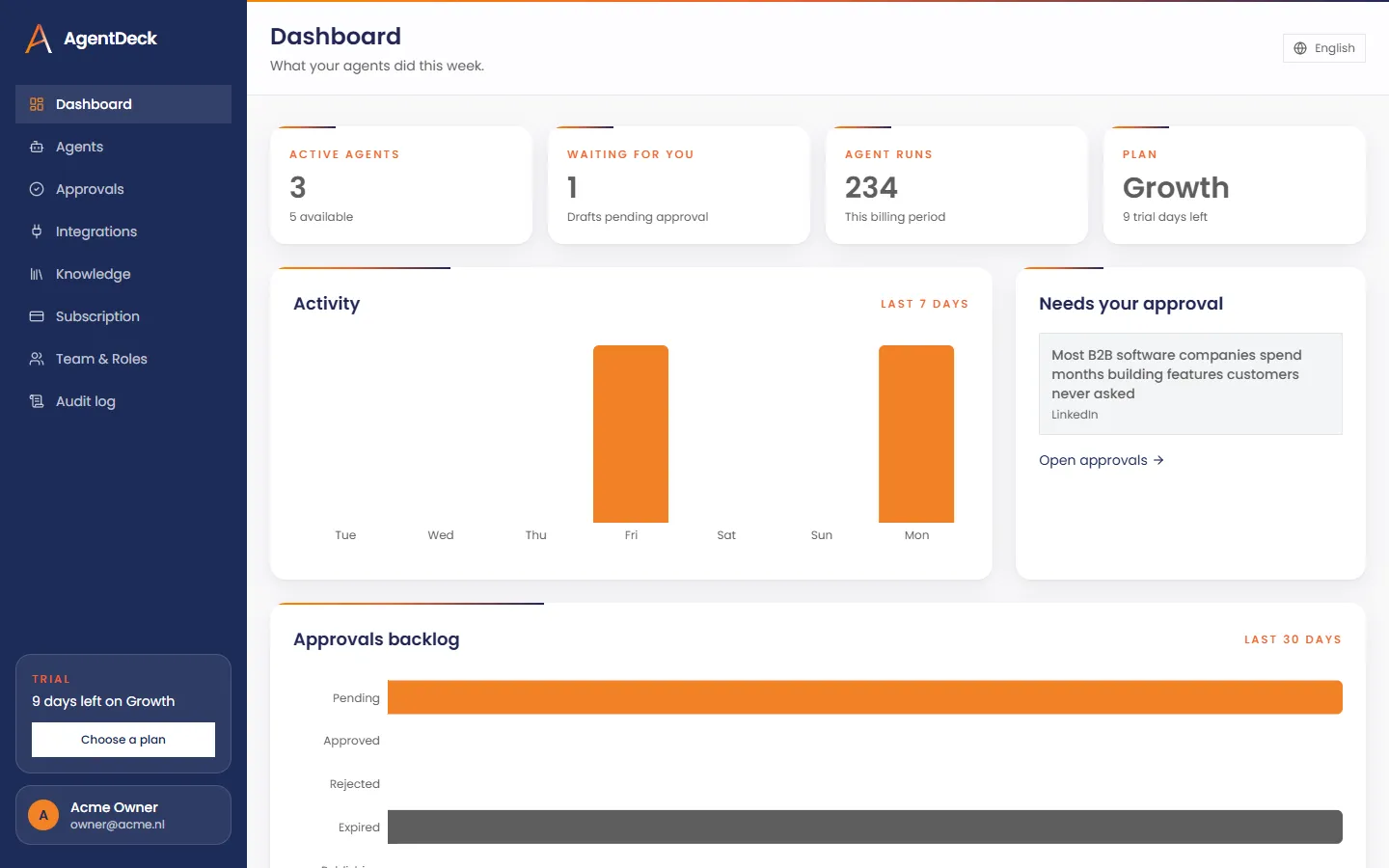
The agents
Agents that work end to end
Each agent does one thing well and always stops at the approval step.
LinkedIn Agent
Drafts thought-leadership posts and publishes them to LinkedIn once someone approves.
- Draft
- Approve
- Publish
Release Notes Agent
Turns finished Jira tickets into client-ready release notes and emails them to your client list.
- Jira
- Draft
- Approve
Support Answer Assistant
Reads a new helpdesk ticket and drafts a reply grounded in your own knowledge base, with a confidence score and sources.
- Ticket
- Draft
- Approve
- Reply
How it works
How it works
Choose agents
Pick agents from the library. Each is a simple monthly add-on.
Connect accounts
Link LinkedIn, Jira, email or a helpdesk. Credentials are stored encrypted on the server.
Review drafts
Every draft waits in Approvals. Nothing leaves your company before a person says yes.
Stay in control
Roles and permissions per team member, and an audit log of every change.
A closer look
A calm portal for your whole team
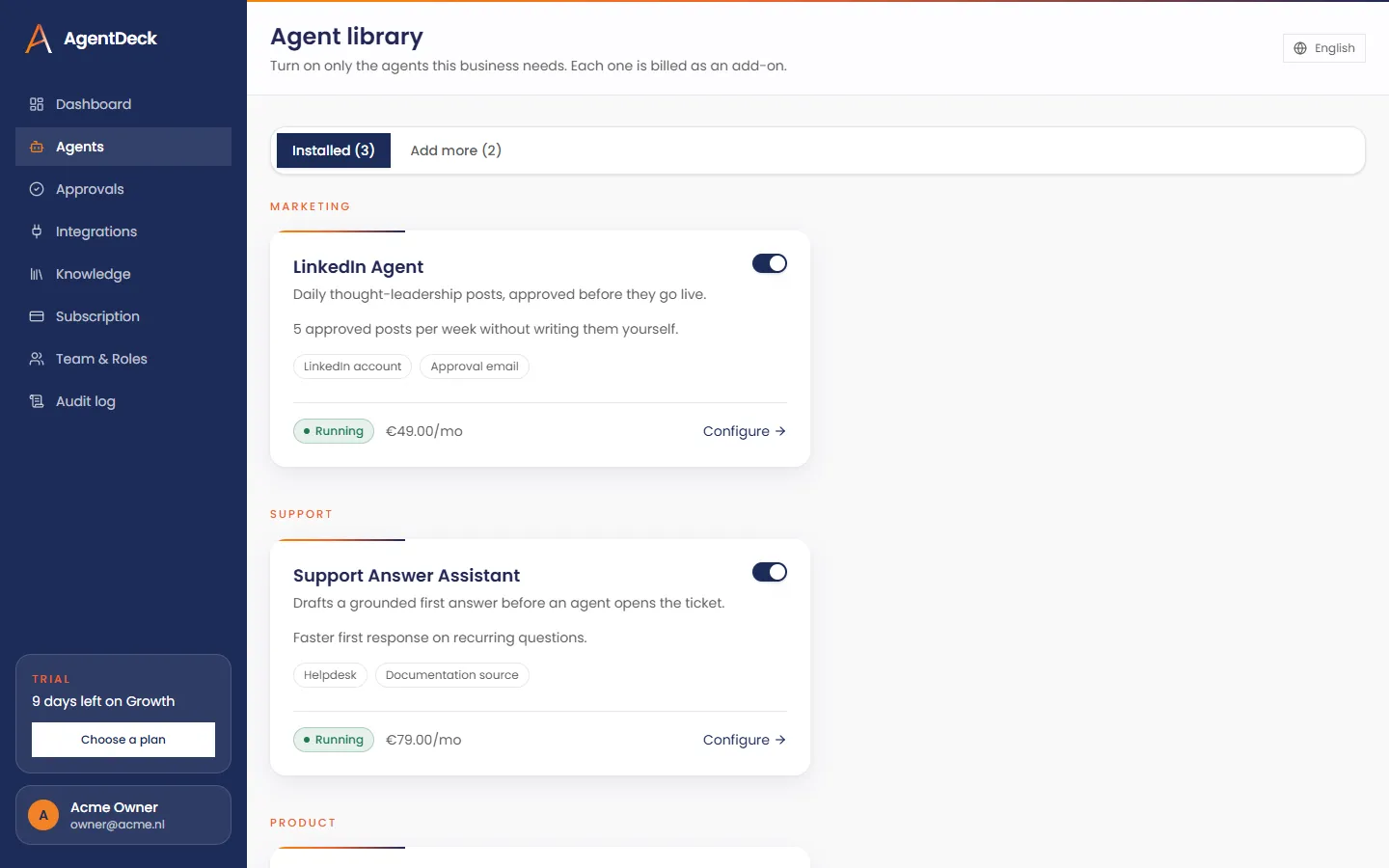
Agent library
Turn on only the agents your business needs. Each shows what it needs access to and what it costs.
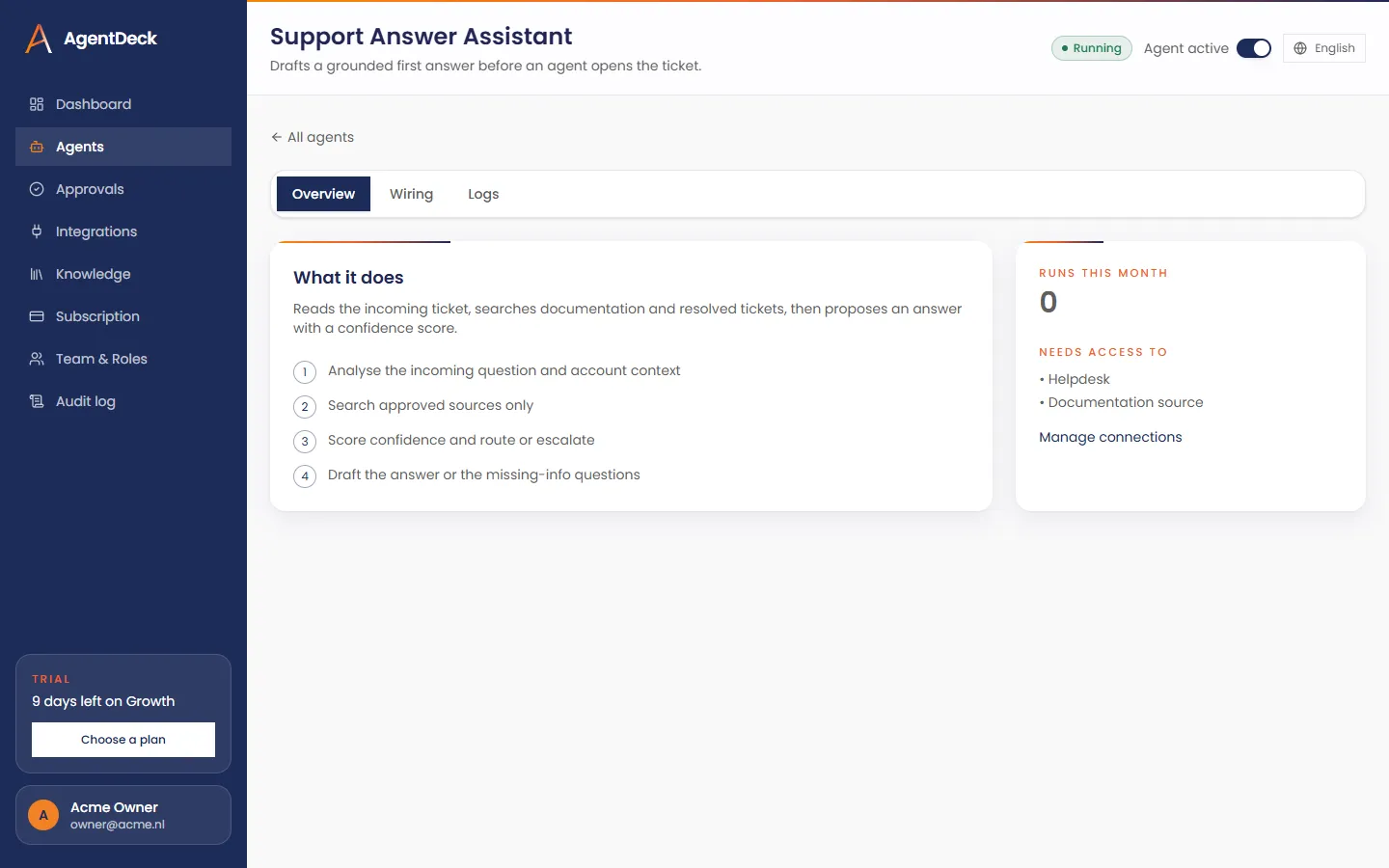
Agent details
Each agent explains what it does, the access it needs and how often it ran, with tabs for configuration and logs.
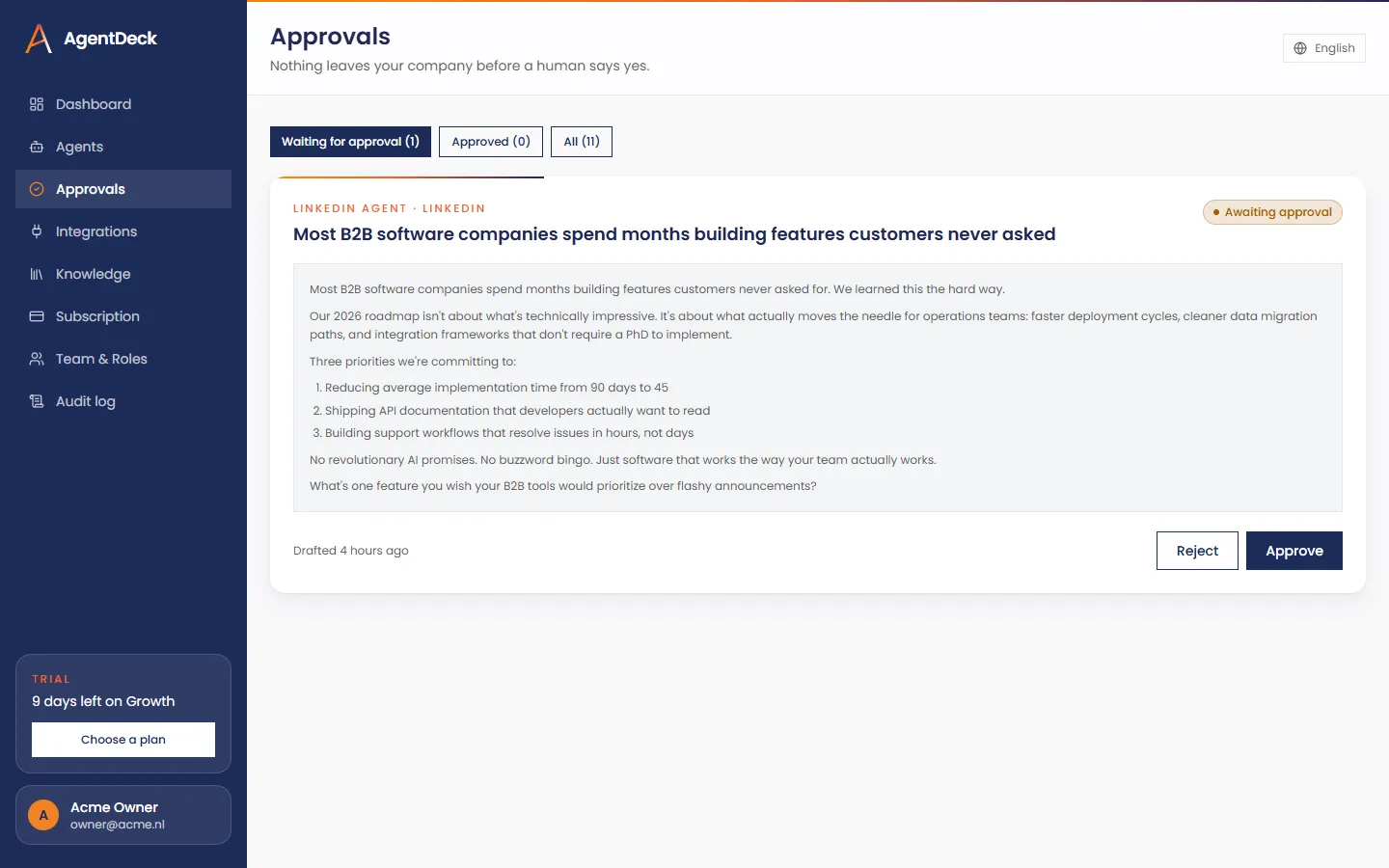
Approvals
Review the draft, then approve or reject it. Only then does it go out.
Other solutions
- AI solutionsAI agents and automation on your own data and tools, with a human in the loop.
- Dedicated teamsFull-time developers, testers and specialists in India, as an extension of your team.
- ProjectsWebsites, webshops and apps with a fixed scope, from design to launch.
- Infinity TeamsOur platform: full-time professionals in any field, at salary plus a fixed fee.
Curious what AgentDeck can do for you?
We show you the agents in a demo workspace and talk through which tasks you want to hand over.